
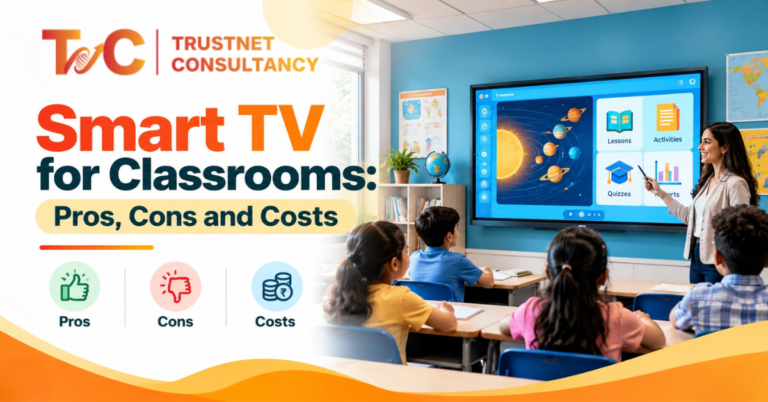
A teacher holds up a printed map, and the back row can’t read a single label. That is when many schools start looking at a smart TV for classrooms.
It is a good first step, but it won’t solve every problem.
With 24.4% of Indian schools having functional classrooms, smart TVs are no longer a new concept for teachers.
Schools exploring smart classroom solutions in Kolkata often face the same choice: a smart TV or an interactive panel.
Our blog covers what each option does well, where each falls short, and what to check before you spend.
You’ll also find typical Indian prices and a simple setup checklist.
What Is a Smart TV for Classrooms?
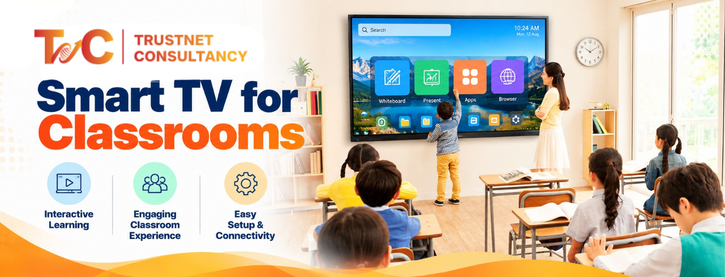
A smart TV is a television with internet access and built-in apps.
In a classroom, it works as a large display for lesson content. Teachers use it to play videos, show slides, and open digital textbooks.
It adds a bigger screen to the room. It does not replace the teaching board.
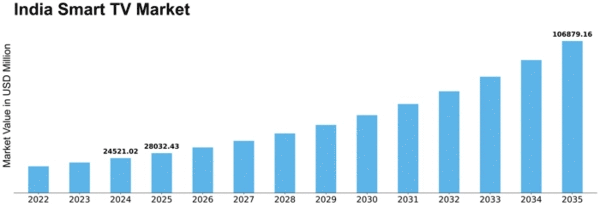
The Indian smart TV market is expected to experience a CAGR of 6.93% in the 2026 to 2033 financial forecast. This high demand reflects its wide acceptance across industries.
But for classrooms, certain features matter more than others.
What can teachers do with it?
- Play educational videos and animations
- Show PowerPoint slides, PDFs, charts, and diagrams
- Mirror a laptop or phone screen, if the model supports it
- Open online learning resources through apps or a connected device
How is it different from a regular display?
A regular display only shows what you plug into it.
A smart TV adds streaming apps, Wi-Fi, and wireless screen sharing.
This makes it more flexible. However, it’s designed for viewing.
Most models can’t support direct touch or writing.
Benefits for Students and Teachers
A smart TV can help when lessons rely on clear viewing.
Be realistic in your expectations.
A larger screen improves visibility.
It does not make a lesson interactive, and it does not guarantee better learning outcomes.
Makes lessons easier to explain
Some topics are hard to draw on a board. Maps, cell diagrams, and photographs need detail.
A large screen shows that detail to every row.
Science demonstrations and animations also work better when everyone can see them.
Quick access to digital content
Built-in apps and internet access let teachers open online material in seconds.
No projector setup and no cable hunt before each period.
Supports presentations and video lessons
Recorded lessons, slides, and short clips look good on a big screen.
Teachers can pause, replay, and discuss.
This works well for revision sessions and introducing concepts.
Simple upgrade
A smart TV adds digital content to an existing classroom.
You do not need a full interactive teaching system to begin.
Suits a limited budget
If your main need is viewing, not writing or group work, a smart TV may be enough.
It usually costs less than an interactive panel.
Drawbacks and How to Fix Them
Most problems are predictable. Plan for them before you buy.
Glaring screens in bright classrooms
The picture can be washed out by overhead lights and sunlight. You can try these solutions:
- Adjust height and tilt
- Place the screen away from windows
- Use blinds whenever needed
- Check the brightness settings
No built-in touch or writing support
Smart TVs usually operate on a remote. Teachers find it hard to mark diagrams or write equations on the screen.
Students also find it difficult to walk up and solve a problem.
If the lessons need this, choose an interactive panel.
Durability in regular use
Most TVs are not made for direct touch or everyday handling.
Check the manufacturer’s guidance on intended use, operating hours, and warranty before you purchase.
App and content limits
Some apps and websites do not run well on a TV operating system.
Test the tools your teachers use. A laptop or another supported device can fill the gaps.
Sound that doesn’t reach the back
Built-in speakers may struggle in a large or noisy room.
Test the audio from the last bench. Add external speakers if needed.
Smart TV vs Interactive Flat Panel
The right display depends on your teaching style, classroom size, and daily use. This table shows the main differences.
| Feature | Smart TV | Interactive flat panel |
| Main purpose | Displaying digital content | Displaying and interacting with content |
| Touchscreen | Usually not available | Built-in touch support |
| Writing on screen | Not normally supported | Supports writing and annotation |
| Educational apps | Depends on the TV operating system | Often includes classroom tools and apps |
| Student participation | Mainly viewing and discussion | Supports hands-on screen activities |
| Setup | May need a laptop or other device | May combine display and teaching tools |
| Initial cost | Generally lower | Generally higher |
| Best suited for | Presentations and video lesson | Interactive teaching and group activities |
Software and build quality vary between interactive panels, so compare specific models.
Side Note: Check visibility from the back row, screen glare, audio reach, and the activities teachers need to perform. If lessons involve frequent writing, annotation, or student interaction, compare an interactive panel before making a decision.
When is a smart TV the better choice?
Choose a smart TV for video lessons, presentations, smaller rooms, and basic digital content.
Many schools begin here, especially when they build smart classroom solutions in Kolkata on a tight budget and want to add interactivity later.
When should a school choose an interactive panel?
Choose a panel when teachers annotate often.
It also suits digital whiteboarding, student participation, and group activities.
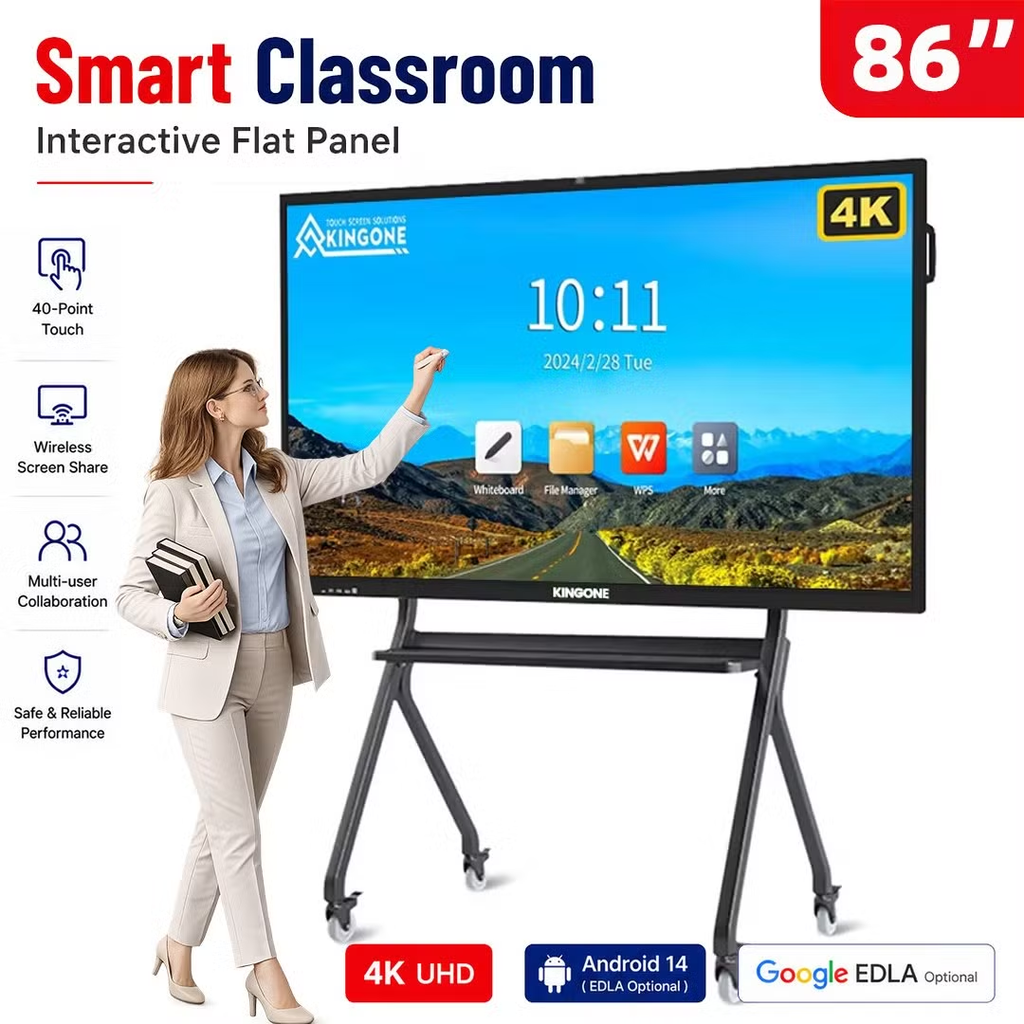
Think of math classes where students solve problems on screen.
Can a smart TV replace an interactive panel?
It can replace a basic display. It cannot replace touch-based teaching.
A smart TV works well in classrooms only when lessons mainly involve viewing.
If teachers need to write, mark up, or collaborate on screen, you will miss those features quickly.
Screen Size by Classroom Size
Students at the back should be able to read labels, text, and diagrams easily.
Viewing distance, screen height, seating layout, and room lighting matter more than you think.
How to choose a screen size
Treat them as starting points and not fixed rules:
- 32 to 43 inches: small rooms or close viewing
- 50 to 55 inches: compact classrooms
- 65-inch or bigger: rooms with more viewing distances
The ranges may vary based on sources.
Treat any number as approximate and judge by the actual room.

Check visibility before buying
Show typical slide text and diagrams from the back of the room.
Make sure nothing blocks the view. Compare the screen size with your wall space and mounting position.
Typical Cost in India
Here’s an estimate of Smart TV room costs for classrooms in India.
Prices can change based on operating system, brand, resolution, warranty, and connectivity.
These ranges are estimates only and are not guaranteed market prices.
- 32 to 43 inch models: about ₹12,000 to ₹25,000
- 50 to 55 inch models: about ₹30,000 to ₹60,000
- 65 inch and larger: about ₹65,000 to ₹2,00,000 or more
What adds to the total cost?
The TV is not the whole bill. Budget for:
- Wall mount and installation
- External speakers, if required
- HDMI cables, adapters, or a connected computer
- Wi-Fi access and other connectivity needs
How does the cost compare with an interactive panel?
A panel generally costs more because it adds touch and classroom tools.
Compare the features your teachers will actually use, not only the price tag.
How can you avoid paying for features you don’t need?
Match the screen to your teaching activities and room size.
Check warranty terms, installation costs, and compatibility with devices you already own.
Add up the extras before you decide.
How to Set Up a Classroom Smart TV
Follow these steps for a smooth first day.
- Choose the mounting position. Make sure students can see the screen from their seats. Check wall strength, viewing height, glare, and nearby power points.
- Connect the audio. Test the built-in speakers at several seats. Add external speakers if the room needs clearer or louder sound.
- Connect a PC or laptop. HDMI lets you run presentations and classroom software. An OPS module is an optional computer module for compatible interactive displays. It is not standard on every smart TV.
- Set up Wi-Fi and screen sharing. Connect to a reliable network if you need online content. Test screen mirroring with teachers’ devices before classes begin.
- Prepare the content. Check access to videos, slides, PDFs, and educational websites. Test sound, picture quality, text visibility, and app compatibility.
- Run a final check. Test the remote, input sources, connectivity, and audio. Show teachers how to switch between sources.
A smart TV for classrooms is a practical choice when lessons rely on video, slides, and visuals.
It is a weaker choice for writing, annotation, and hands-on activities. Start with your teaching needs, room size, and budget.
Then pick the display that fits.
Not sure whether a smart TV or an interactive panel suits your classroom? Get a classroom demo in Kolkata from Trustnet Consultancy to get solutions based on your room, teaching needs, and budget.
Get in touch to plan smart classroom solutions in Kolkata around how your teachers actually teach.
FAQs
1. Can a smart TV be used for classroom teaching?
Yes. It can display videos, presentations, PDFs, and online learning content. It suits lessons that mainly involve viewing.
2. What is the difference between a smart TV and an interactive panel?
A smart TV mainly displays content. An interactive panel lets teachers and students write, draw, and interact directly on the screen.
3. What size smart TV is best for a classroom?
It depends on room dimensions, seating distance, and the content you show. Test text visibility from the back row before you decide.
4. Can teachers write on a smart TV screen?
Most standard smart TVs do not support touch or writing. You may need a separate compatible solution or an interactive panel.
5. How much does a classroom smart TV cost in India?
Indicative prices run from about ₹12,000 for small models to ₹2,00,000 or more for large ones. Installation, speakers, and cables add to the total.
6. Is a smart TV suitable for daily classroom use?
It depends on the model’s usage guidance, operating hours, and warranty. Check these details before buying.