
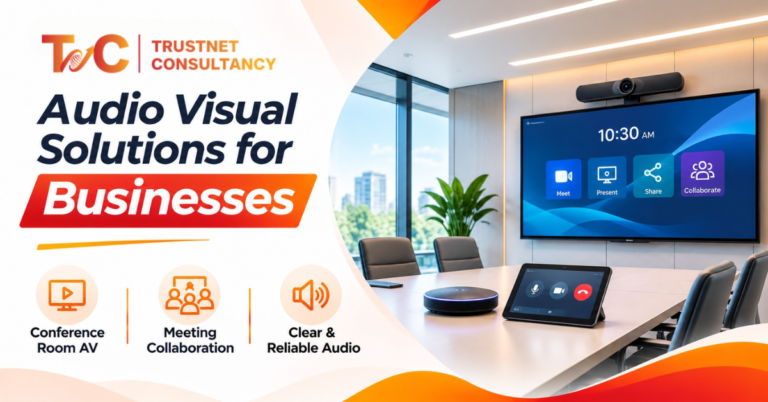
Your client in Mumbai joins the call, and nobody in the Kolkata office can hear her. Good audio visual solutions prevent that.
Most meetings fail for simple reasons.
About 70% of Indian corporate firms face technology issues in meetings.
A projector that doesn’t connect. A microphone that falters or echoes.
Every fault takes up trust and minutes.
This guide explains what an AV system includes, where businesses use it, how installation works and what it costs in India.
What Is an Integrated AV Solution?
An AV solution is a planned system of sound, video, displays, connectivity and control technology.
It helps people communicate, present and collaborate, whether they share a room or join from another city.
We choose components that work together, not buy them one by one.
An AV solution is more than speakers, screens and cameras.
If the camera, microphone and display don’t work as one system, people still struggle.
A good system helps you:
- Connect in-person and remote participants.
- Make presentations and training sessions easy to follow.
- Support hybrid meetings and group work.
- Deliver clear sound and visuals in rooms of any size.
Buying a projector is not the same as installing a presentation system.
A projector alone shows a picture.
A complete setup adds speakers, connectivity and one-touch controls, so anyone can walk in and start.
Size matters too. A small meeting room needs a simple setup. A boardroom, classroom or auditorium needs more.
The right choice depends on how the components fit together, so let’s look at them.
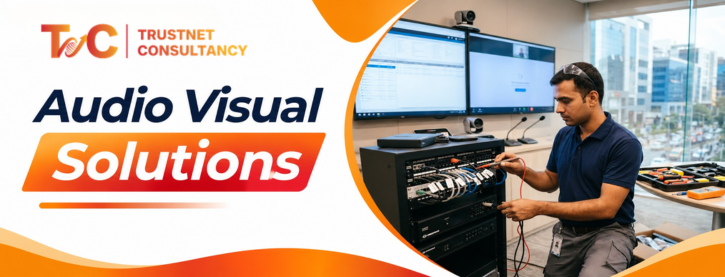
Core Components of an AV System: Display, Audio, Video, Control and Connectivity
Every AV system differs by room size, audience, usage and budget. Five component groups form the base.
Display
Displays make slides, dashboards and videos visible to everyone. Common options include:
- Commercial displays for meeting rooms.
- Projectors and screens for training rooms and halls.
- Interactive flat panels for classrooms and workshops.
- LED video walls for large venues and reception areas.
Screen size, viewing distance, room lighting, resolution and audience size guide the choice.
A small meeting room may need one commercial display. A large training hall may need a projector.
Audio
Clear sound matters more than sharp images, especially in hybrid setups. The most essential parts are:
- Digital signal processors (DSPs) that manage volume, echo and background noise.
- Speakers that spread sound evenly
- Tabletop, ceiling-mounted and wireless mics
- Amplifiers powering the speakers
Microphone placement, room acoustics and speaker position all affect quality.
Watch for echo, feedback and uneven volume. People at the far end of the room often suffer most.
Video
Cameras and conferencing tools carry the room to remote participants. This includes webcams, professional conference cameras and pan-tilt-zoom (PTZ) cameras for larger rooms.
It also includes platforms such as Microsoft Teams and Zoom. Good camera placement and microphone pairing help remote guests follow who is speaking.
Check that the equipment works with your preferred platform and existing devices.
Control
Control systems let people run everything from one place. Touchscreens and room control panels replace piles of remotes.
Users can turn on displays, pick a source, adjust volume and start a call. Small rooms need simple controls.
Large boardrooms and auditoriums may need automation.
Good control cuts setup time and makes the room easier for everyone.
Connectivity
Connectivity supports audio, video and content across devices. This covers USB, HDMI, wireless screen sharing, cabling and network links.
Certain projects use AV-over-IP. This sends signals across the network,
Check bandwidth, power needs, device efficiency and cable routes early.
Plan this before you mount anything on walls or ceilings. Your IT networking services team should be part of this step.
Good equipment is only half the job. Integration, configuration and testing make the system reliable.
Where Businesses Use Audio Visual Solutions
A market size of ₹1053.9 crore in 2026 strongly proves demand for AV solutions in India.
Wherever people share information or address an audience, AV helps. The setup changes with the space.
- Boardrooms: Integrated displays, microphones, speakers and conferencing support high-stakes talks. Wireless sharing and one-touch controls save time. Larger boardrooms may need ceiling microphone arrays, PTZ cameras and echo cancellation.
- Classroom and training spaces: Projectors, interactive displays, microphones, and speakers support teaching and staff training. Clear sound and readable screens allow learners to understand the lesson from every corner. Colleges and schools can bundle this with smart classroom solutions.
- Conference rooms and hybrid offices: Daily meetings call for commercial displays, cameras, and quality microphones.
- Event spaces and auditoriums: From town halls and conferences to product launches, they all need LED walls, professional audio, wireless microphones and live-streaming equipment.
- Reception and common spaces: Digital displays show welcome messages, directories, and announcements. Management allows teams to update all screens at once.
Match setup with the space. Try not to copy one design everywhere.
How an AV Project Runs
A good project involves more than buying equipment and mounting it on a wall. It runs in six steps.
- Understand the requirements. Define the room’s purpose, number of users, meeting frequency, seating and hybrid needs. Note your platforms, such as Teams or Zoom. List the displays and cabling you can reuse. This step prevents unnecessary purchases.
- Survey the site. Check lighting, acoustics, ceiling height, wall structure, power points and network access. Plan positions for displays, cameras, speakers and microphones. Map cable routes and any civil or electrical work.
- Choose equipment and prepare the design. Ask for a system design and an itemised bill of quantities (BOQ). It should list models, quantities and installation charges. Compare scope and specifications, not just the lowest quote.
- Install and integrate. The installer mounts and connects everything, then configures it as one system. This includes links to your IT network and conferencing platform. Schedule the work to limit disruption to your team.
- Test and train: Test the image, audio coverage, microphone pickup, video calls and screen-sharing controls. Check the delays and echoes. Train people to start meetings and fix recurring issues without contacting IT every time.
- Maintain and support. Preventive maintenance, software updates and troubleshooting keep the system healthy. Ask about warranty, response times and annual maintenance contracts (AMCs). Companies with several offices gain from standard setups and central support.
Reliable after-sales support reduces surprise downtime.
Businesses planning an installation can explore Trustnet Consultancy’s audio visual solutions for design, installation, testing and support.
What Does an AV System Cost in India?
There is no single price. Cost depends on the room, equipment, integration, installation and support.
The ranges below are indicative 2026 planning figures, not quotations.
| Room type | Indicative installed budget |
| Small huddle room | ₹1.5–3.5 lakh |
| Mid-size boardroom | ₹4–9 lakh |
| Large training room | ₹9–20 lakh |
| Auditorium or town hall | ₹20–60 lakh or more |
Actual prices vary with specifications, location, scope and site conditions. Here is what moves the number.
- Room size: Larger rooms need bigger displays, more microphones, wider sound coverage and more cabling.
- Equipment quality: Professional-grade gear costs more than basic gear but handles daily use better. Pay for features you will actually use.
- Conferencing features: Echo cancellation, ceiling mics, PTZ cameras, room PCs, and touch control add to the expenses. Some platforms charge more for room licences. Avoid cutting corners on microphones, as poor pickup can ruin an expensive room.
- Installation work: Difficult cable routes, high ceilings, special mounts and complex control programming raise labour charges. Network ports and bandwidth may need upgrades.
- Civil and electrical work: Extra power points, conduits, false-ceiling changes, racks and acoustic treatment all add up. Planning during construction or renovation reduces retrofit costs.
- Long-term costs: Warranties, AMCs, subscriptions and spares count toward total ownership cost. Weak cabling or rushed testing often leads to repairs and downtime.
Confirm whether GST, transport, installation and commissioning are in the quote.
An itemised quote makes hidden costs easier to spot.
Before you request quotes, gather these details:
- Number and type of rooms.
- Seating capacity and room dimensions.
- Required displays, audio and conferencing features.
- Existing equipment you can reuse.
- Timeline and site limits.
- Warranty and support expectations.
Ask for a site survey and an itemised BOQ. Then compare quotes on equal terms: equipment, scope, exclusions, support and warranty.
The best audio visual solutions start with the room, not the product list. Define how people use the space.
Choose components that work together. Budget for installation, testing and support.
If you want a setup that suits your space and budget, talk to an AV specialist at Trustnet Consultancy.
FAQs
1. What are AV solutions?
AV solutions combine audio, video, display, connectivity and control technology into one system. They help businesses communicate, present information and collaborate, in the room or across locations.
2. What equipment is included in an AV system?
A typical system includes displays or projectors, microphones, speakers, cameras, control interfaces, cabling and video conferencing equipment. The exact mix depends on the room’s purpose.
3. How much do AV solutions cost in India?
Costs depend on room size, equipment quality, integration and installation. As a rough guide, a huddle room may cost ₹1.5–3.5 lakh, while an auditorium can start around ₹20 lakh. A site assessment gives an accurate quote.
4. How long does it take to install an AV system?
A simple meeting room may take a day or two. Larger boardrooms and training rooms can take several days. Auditoriums and multi-room projects may take weeks, especially with civil work or network upgrades.
5. How do I choose the right AV provider in India?
Check technical expertise, experience with similar spaces, testing processes, itemised quotes, user training, warranty and after-sales support. A good provider recommends equipment for your needs, not from a fixed product list.