
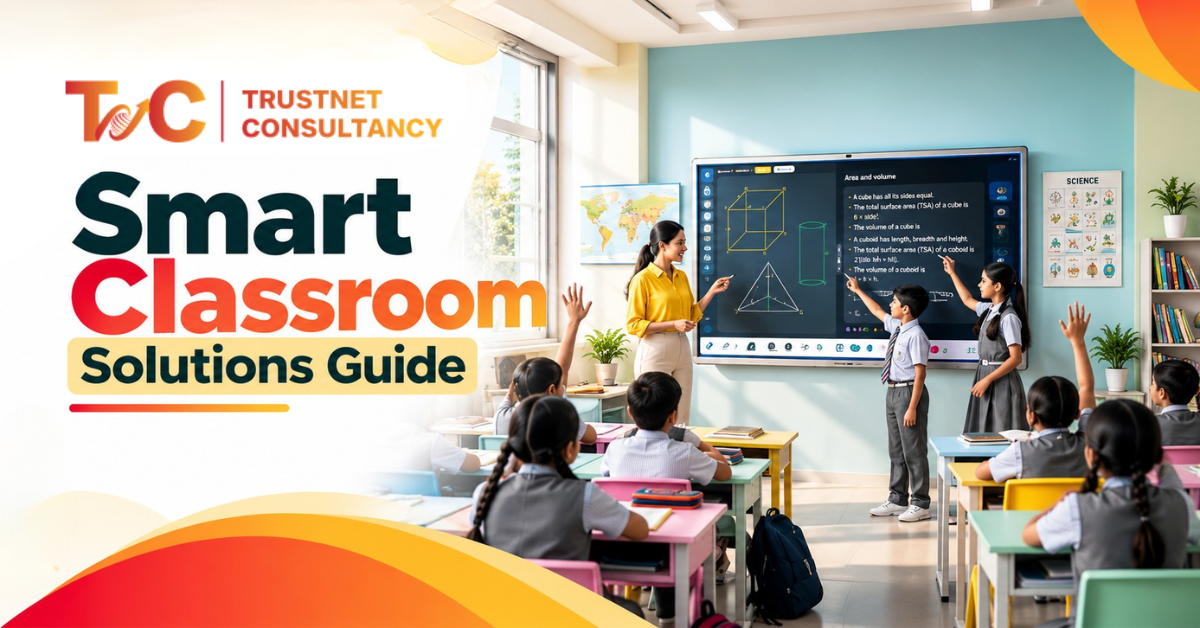
Smart Classroom Solutions: How Schools Can Design Smarter Learning Spaces
Walk into most upgraded classrooms, and you’ll find the same thing: an interactive panel bolted to the wall, and everything else exactly as it was. Smart classroom solutions are supposed to change how teaching happens, not just replace a whiteboard with a touchscreen.
A display alone doesn’t fix poor audio, awkward sightlines, or a teacher who has to fight three remotes to start a lesson.
30.6% of Indian schools have successfully implemented functional smart classrooms. The gap in digitisation of classrooms is evident from the figure. For better implementation, proper planning, right equipment, and connectivity are unskippable.
This guide covers what actually makes a classroom smart, how schools should match technology to teaching style, and the steps to plan an implementation that teachers will actually use.
What Makes a Classroom “Smart” Beyond a Digital Screen?
The solutions involve interactive displays, connectivity, audiovisual tools, and smart learning technologies to ensure a connected, interactive, and technology-powered teaching environment.
The distinction from a plain digital classroom is integration. A digital classroom might have a projector and a laptop.
A smart classroom has those components working with audio, network, and control systems as one coordinated setup.
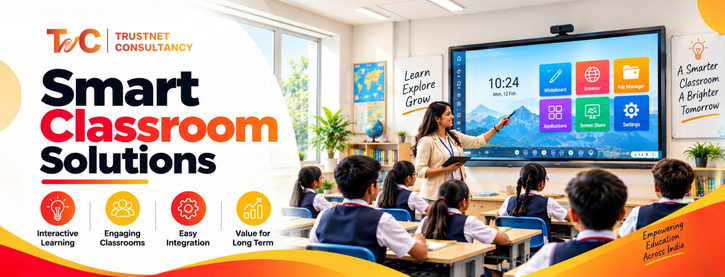
The core components generally include:
- Interactive flat panels or smart displays
- Projectors and projection systems for larger spaces
- Wireless presentation for both students’ and teachers’ devices
- Audio systems for the classroom, particularly in rooms with weak acoustics
- Video conferencing tools for both remote and hybrid environments
- Physical materials and demonstrations with document cameras
- Central control system connecting all of the tools and equipment to one integrated interface
- Smart teaching platforms for delivering content
Audio quality is as important as the display. But this is the part that most schools skip. A clear screen doesn’t do much when the lesson is inaudible, or if the room mic can’t pick up the teachers and not the students asking questions.
Visibility, however, isn’t immaterial. The placement and size of the screen need to account for the viewing distance and lighting of the classroom, rather than just the wall space.
Rooms with large windows have glare, making it harder to read even with a quality display. It is important to check this before installation rather than fixing it later
Reliable connectivity is the spine that makes all of it work. Whether it’s streaming a video or conferencing tools — they all depend on the connectivity. This is something that older school buildings are not built to handle.
Display and audio upgrades are the basic oversight. The entire focus on this leaves the root network problems unattended. Reputable providers work with schools, particularly for these integrations, combining AV equipment and displays with network and control systems. This integrated system is necessary to run them smoothly.
Done well, this setup supports both teachers delivering lessons and students participating actively, rather than just displaying content in one direction.
How Should Schools Choose Smart Classroom Solutions for Their Teaching Needs?
The equipment list should come after the planning, not before it. Schools that start with “what should we buy” often end up with technology that doesn’t match how the room is actually used.
Start with the classroom, not the equipment
Before picking any device, look at:
- Viewing distance and seating arrangement
- Size of classroom and student number
- Current infrastructure and cabling system
- Lighting throughout the day
- Availability of network and internet
- Background noise and acoustics
Match technology to teaching style
Different teaching methods call for different priorities:
| Teaching Requirement | Useful Smart Classroom Technology |
| Interactive lessons | Interactive display |
| Video-based learning | Large display and classroom audio |
| Presentations | Wireless presentation system |
| Remote teaching | Camera, microphone, and conferencing |
| Demonstrations | Document camera or visualizer |
| Collaborative learning | Interactive display with wireless sharing |
Table: Technology and teaching style match
Consider the type of educational space
The main classroom, lecture hall, and computer lab don’t need the exact setup. The younger students can find simple and more durable touch displays, which are easier to use. However, university lecture halls call for stronger audio coverage and camera systems for recording each session.
Labs and training rooms may demand flexible layouts over fixed installations. Secondary classrooms sit in between, as they need strong interactive displays without the complex full lecture hall setups.
Keep in mind the teachers’ experience
Most smart classroom solutions on paper fail in practice in terms of teacher experience. If beginning a lesson takes 4 to 5 minutes of troubleshooting, teachers avoid using most features within the term.
The system needs to be fast from the get-go, easier to switch between content sources, and usable without complex technical training.
Central management helps IT workers, but everyday operation calls for simple systems for the person actually teaching.
The best smart classrooms aren’t the ones with the most advanced technologies. They’re the ones where teachers find it easy to manage devices and can spend more time on teaching.
Smart Classroom Implementation Checklist: From Installation to Future-Ready Learning
90% of Indian smart classrooms underperform. The outdated framework and poor installation lead to this. Avoid this at all costs with a proper plan and checklist:
- Audit the existing classroom. Check room dimensions, electrical points, network infrastructure, lighting, acoustics, and any AV equipment already in place. Skipping this step is how schools end up buying displays that don’t fit their walls or networks that can’t support them. An audit also flags rooms that need electrical or structural work before any equipment goes in, which affects both budget and timeline.
- Explain learning objectives. There are a few questions you need to consider. Will teachers use multimedia consistently? What level of student participation is needed in technology adoption? Is remote or hybrid learning a core of the plan? Does the school need centralised management? The answers shape each equipment decision that follows, and skipping the step means paying for features nobody actually uses.
- Design one integrated AV ecosystem. From audio, displays, cameras, to connectivity and controls — these need to be planned together. Purchasing individual pieces independently often leads to compatibility gaps which show up after installation. These are costly to fix, as a system chosen after the incident may not support every existing device.
- Handle installation and configuration properly. This covers equipment positioning, cabling, display calibration, audio testing, network connectivity, and integrating all the devices with the control system. Testing with actual teachers before rollout catches issues a technical checklist alone won’t, such as glare on a screen at certain times of day or a microphone that doesn’t reach the back row.
- Train the staff and teachers. Technology adoption relies more on usability than on the features. Cover the standard system operation, troubleshooting process, and simple documentation for teachers to reference without contacting IT for every problem. A brief refresher session catches habits that were not evident in the initial training.
- Plan maintenance and scalability. Preventive maintenance, ongoing technical support, and a clear path for equipment upgrades are as important as the initial installation. Schools planning to add more classrooms need plans for consistency and not one-off setups every time, as mismatched systems make employee training and support more difficult.
Skipping teacher training is one of the more common mistakes schools make. The best hardware still underperforms if the people using it every day don’t feel confident with it.
Smart classroom solutions work best when they’re planned around how teachers actually teach and how students actually learn, not around a list of impressive features.
A classroom built this way holds up over several years of use, rather than becoming outdated equipment within a couple of terms.
If you’re planning to upgrade your classrooms, check out the smart classroom solutions of TrustNet Consultancy, offering the right combination of room design, technology, teacher usability, and constant support.
FAQs
What are smart classroom solutions?
They’re integrated combinations of interactive displays, audio-visual equipment, connectivity, and digital learning technologies designed to make lessons more interactive and technology-enabled, rather than just adding a screen to a traditional room.
What equipment is needed for a smart classroom?
At minimum, an interactive display, classroom audio system, and reliable network connection. Depending on teaching needs, schools may also add wireless presentation, a document camera, or conferencing equipment for hybrid sessions.
How does a smart classroom improve teaching?
It reduces time spent managing technology and switching between tools, so teachers can focus on the lesson. Better audio and visibility also mean fewer students disengage simply because they can’t see or hear clearly.
What is the difference between a smart classroom and a traditional classroom?
A traditional classroom relies on a whiteboard or a basic projector setup. A smart classroom integrates displays, audio, connectivity, and control systems so teachers can deliver multimedia content, run hybrid sessions, and switch sources easily.